
Wire Tun
Tools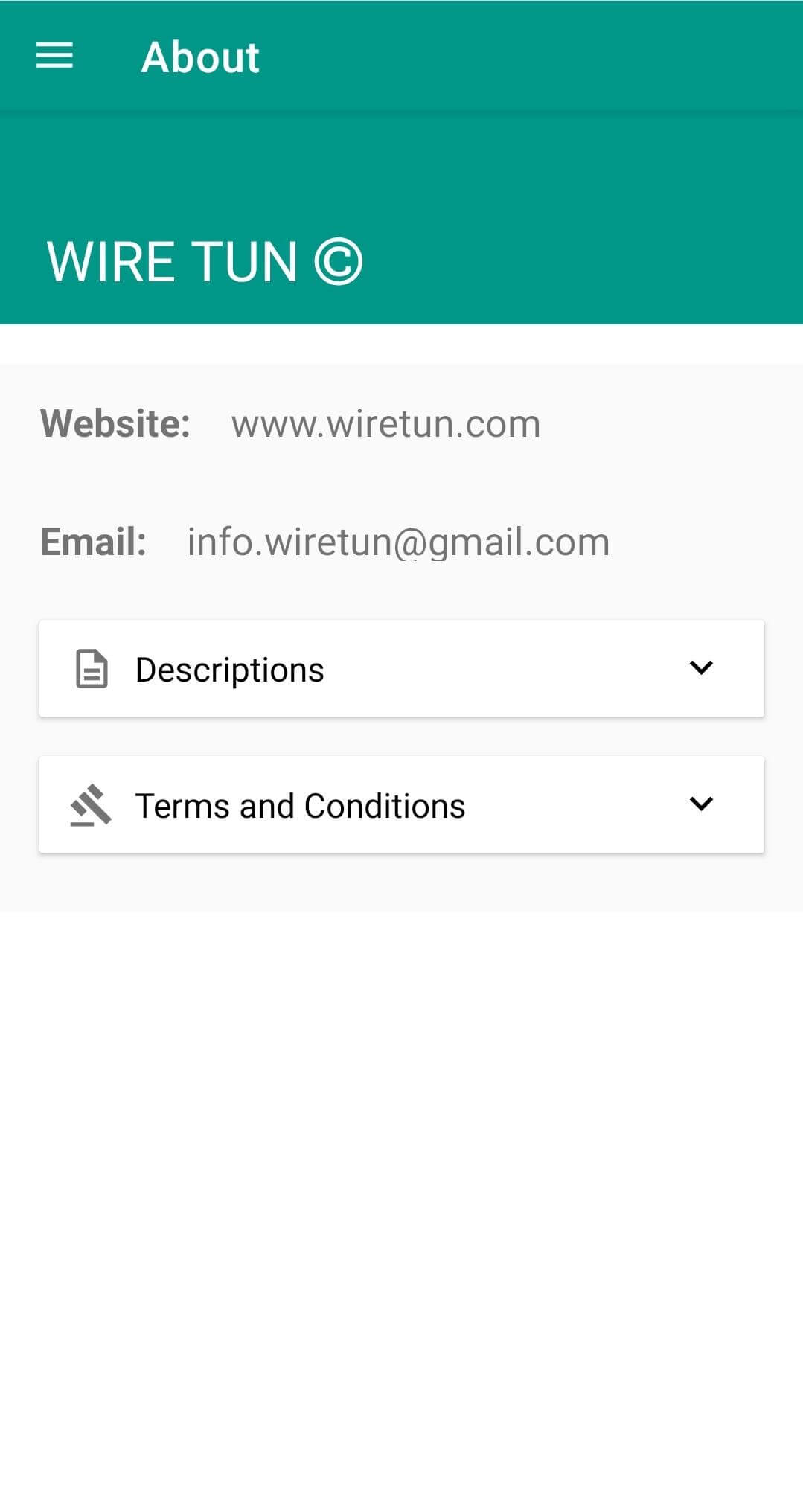
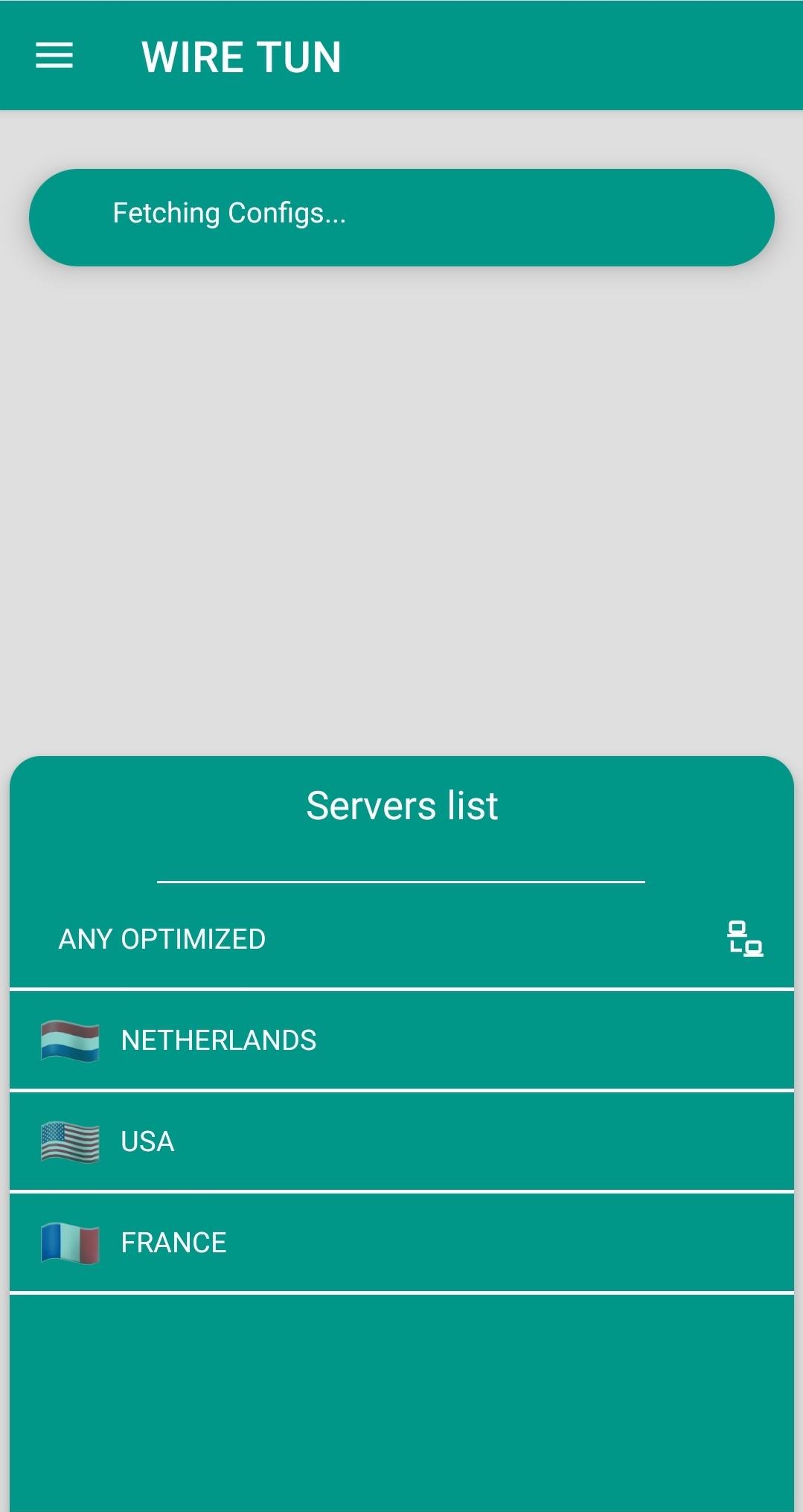

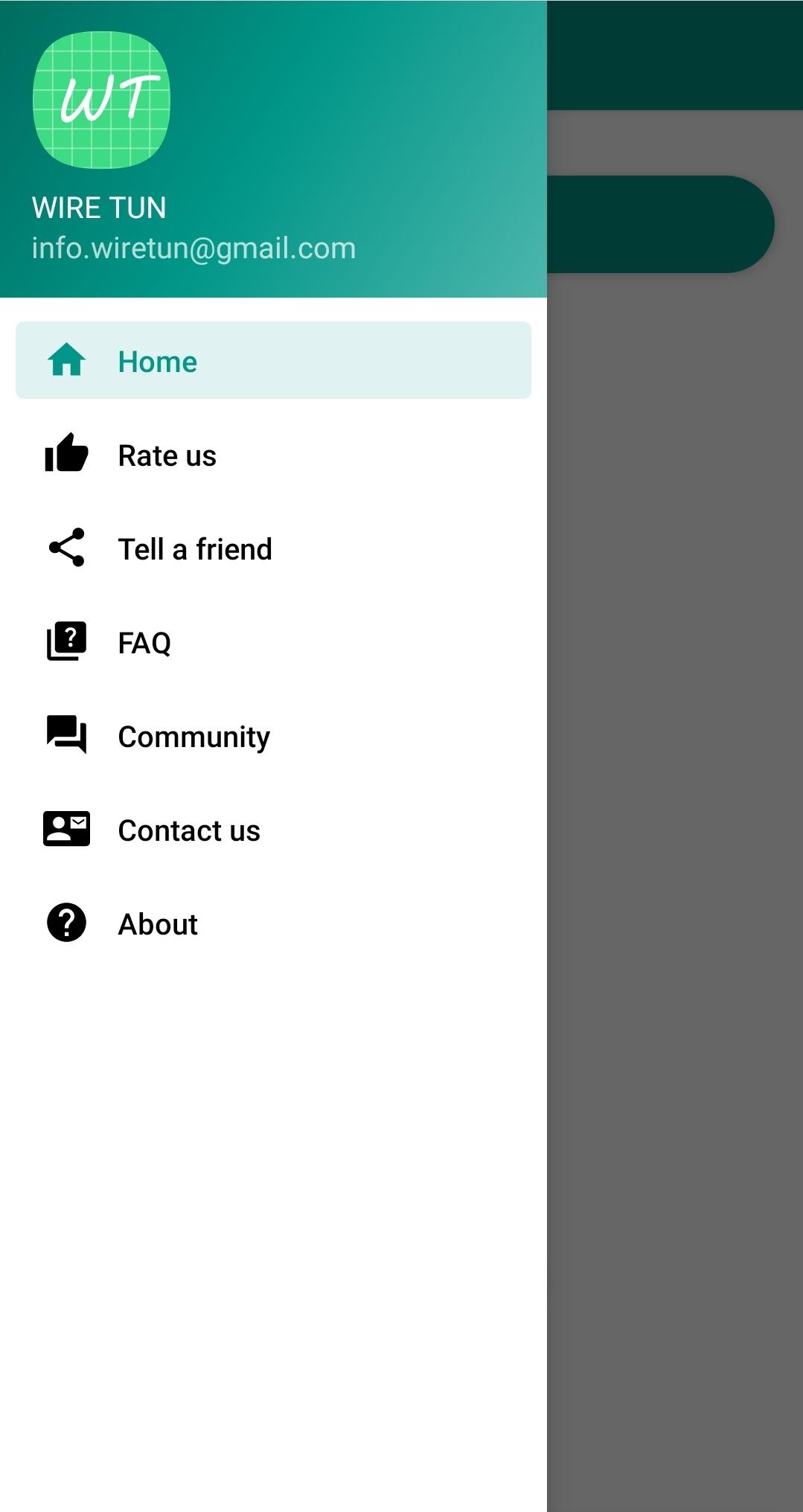
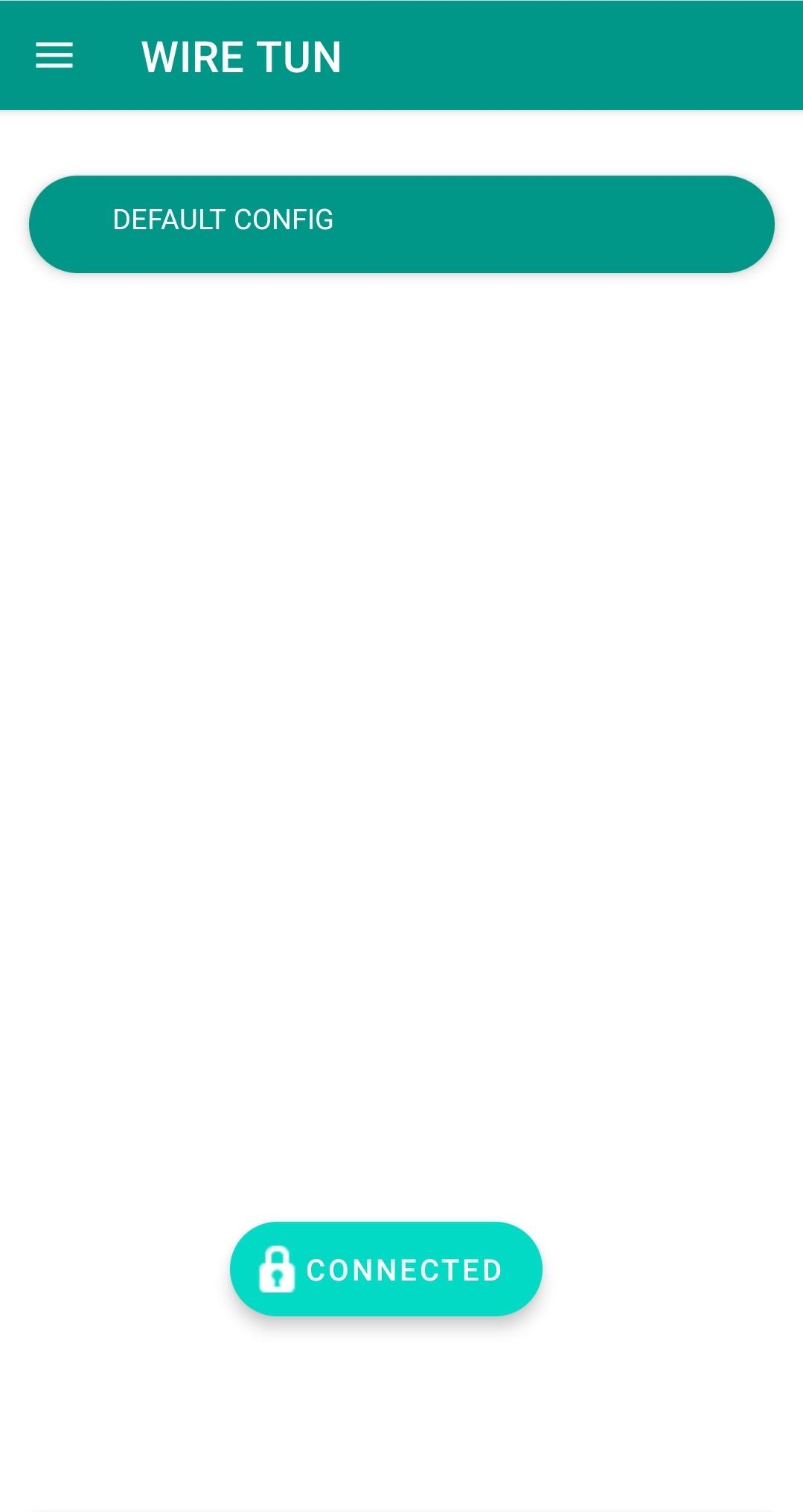
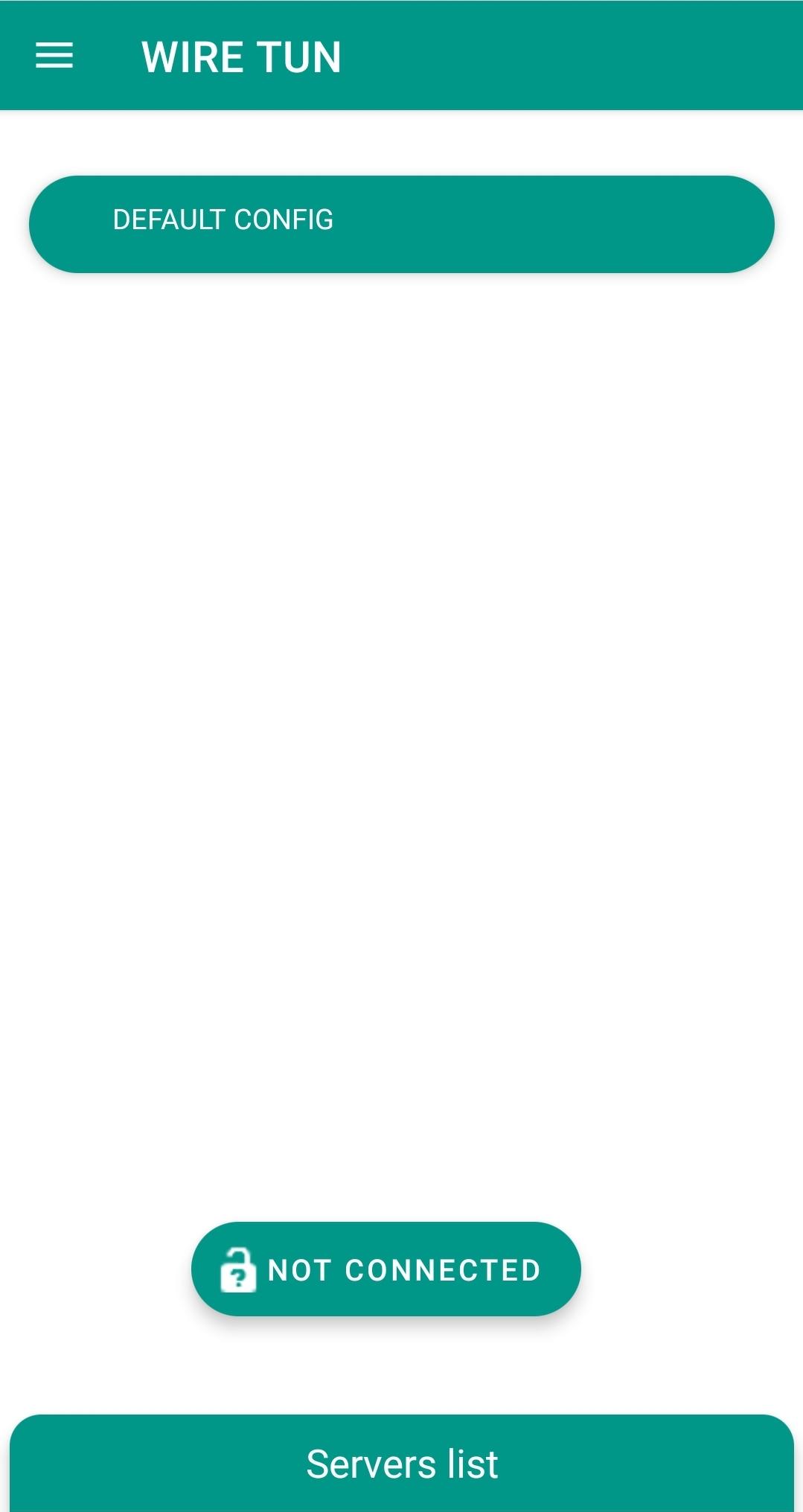

Wire Tun is an Android utility that focuses on DNS management to help improve online privacy and browsing stability. It lets users configure custom DNS servers directly from their device, which can reduce latency and bypass some forms of network interference.
This page provides the latest version information, installation steps, compatibility notes, and practical advice on using Wire Tun safely.
Quick Information
| App/Game Name | Wire Tun |
| Latest Version | 1.7.9 |
| Developer | Not listed |
| Category | Apps / Tools |
| App Size | 25.33 MB |
| Package Name | com.wiretun |
| Last Updated | 16 January 2026 |
What Is Wire Tun?
Wire Tun is a lightweight DNS configuration app. Its core purpose is to let Android users switch between public DNS providers without needing root access. By selecting faster or more private DNS servers, users may experience quicker page loads and a degree of protection against DNS‑based tracking.
The app is suitable for anyone who wants more control over their internet connection, especially in regions where ISPs or network policies affect browsing performance. It does not include a built‑in VPN, ad‑blocker, or firewall; its functionality is limited to DNS selection.
Compatibility
| Android Version | Not Verified |
| Architecture (ARM64 / 32-bit) | Not Verified |
| Internet Connection | ✓ Verified — May be required for ads, updates, or login |
| Storage Needed | Not Verified |
| OBB/Data Files | Not Verified |
| Root Required | Not Verified |
How to Install
- Download the Wire Tun APK file to your Android device.
- Open Settings → Security (or Privacy & Security on newer Android versions) and enable Install unknown apps for the browser or file manager you used.
- Locate the downloaded APK in your Downloads folder and tap it.
- Follow the on‑screen prompts to complete the installation.
- After installation, open Wire Tun, choose a DNS provider from the list or enter a custom server address, then apply the changes.
Troubleshooting
- App not installed error: Ensure the APK is fully downloaded and that unknown sources are allowed. Clear any partially installed copies before retrying.
- App crashes on launch: Verify that your device runs Android 5.0 or higher. Re‑install the APK after clearing the app cache.
- DNS changes not taking effect: Restart your Wi‑Fi or mobile data connection after applying a new server.
- Unable to change DNS on certain networks: Some carriers lock DNS settings; in such cases, using a VPN may be required.
Safety & Security
Wire Tun is a modified‑free APK, but as with any third‑party package, download it from a reputable source. Check the file’s hash if the provider supplies one, and scan the APK with an up‑to‑date antivirus app before installing. The app requests permission to modify network settings, which is necessary for DNS changes; no other sensitive permissions are required.
Because the app only alters DNS resolution, it does not encrypt traffic. For full privacy, consider pairing it with a trusted VPN service.
How Wire Tun Compares
| Feature | Wire Tun | 1.1.1.1 – Cloudflare | Google DNS (Private DNS) | DNS Changer |
|---|---|---|---|---|
| Price / Model | Free | Free | Free (built‑in Android) | Free (ad‑supported) |
| Platform Availability | Android | Android, iOS, Windows, macOS | Android (system setting) | Android |
| Standout Feature | Simple DNS selector without root | Fast Cloudflare DNS with built‑in DoH | Native Android Private DNS mode | Large list of public DNS servers |
| Best For | Users who want a lightweight DNS switcher | Anyone seeking speed and built‑in DNS‑over‑HTTPS | Android users preferring system‑level DNS changes | Those who like to experiment with many DNS providers |
Alternatives
- 1.1.1.1 – Cloudflare: Offers DNS‑over‑HTTPS and DNS‑over‑TLS for faster, encrypted lookups.
- Google Private DNS: Integrated into Android’s network settings, providing a simple way to use Google’s DNS servers.
- DNS Changer: Provides a broader list of public DNS servers and a quick‑switch interface.
Final Verdict
Wire Tun is a straightforward DNS switching tool that works on most Android devices without root. It’s best suited for users who want a lightweight way to change DNS servers for better speed or privacy. The app’s limited scope means it won’t replace a full VPN, and users should still be cautious about the source of the APK and the permissions it requests.
Frequently Asked Questions
The app only requests permission to modify network settings, which is required for DNS changes. Download it from a trustworthy source and scan the APK with an antivirus before installing.
Wire Tun works on Android 5.0 (Lollipop) and newer.
No, Wire Tun can change DNS servers without rooting the device.
No, the app only changes DNS resolution; it does not provide encryption. Use a VPN if you need encrypted traffic.
After applying a new DNS server, restart your Wi‑Fi or mobile data connection to ensure the changes are applied.
As of the last review on 2026‑10‑14, version 1.7.9 is the latest available release.
Yes, you can set DNS servers with Wire Tun while a VPN handles encryption, but some VPNs may override DNS settings.
It works on most devices running Android 5.0+, but carrier‑locked networks may restrict DNS changes.